Upgrade Your Storage Without Starting Over
Replacing a hard drive should not mean reinstalling Windows, reconfiguring applications, searching for license information, or rebuilding your workstation from scratch. Hudson Garden IT provides professional drive cloning services designed to transfer your existing operating system, applications, user profiles, settings, and data to a new hard drive or SSD while preserving the familiar environment you already use. It is an ideal solution when you need more storage, better performance, or a transition from a traditional hard drive to a faster solid-state drive.
Your Original Drive Is Preserved Throughout the Process
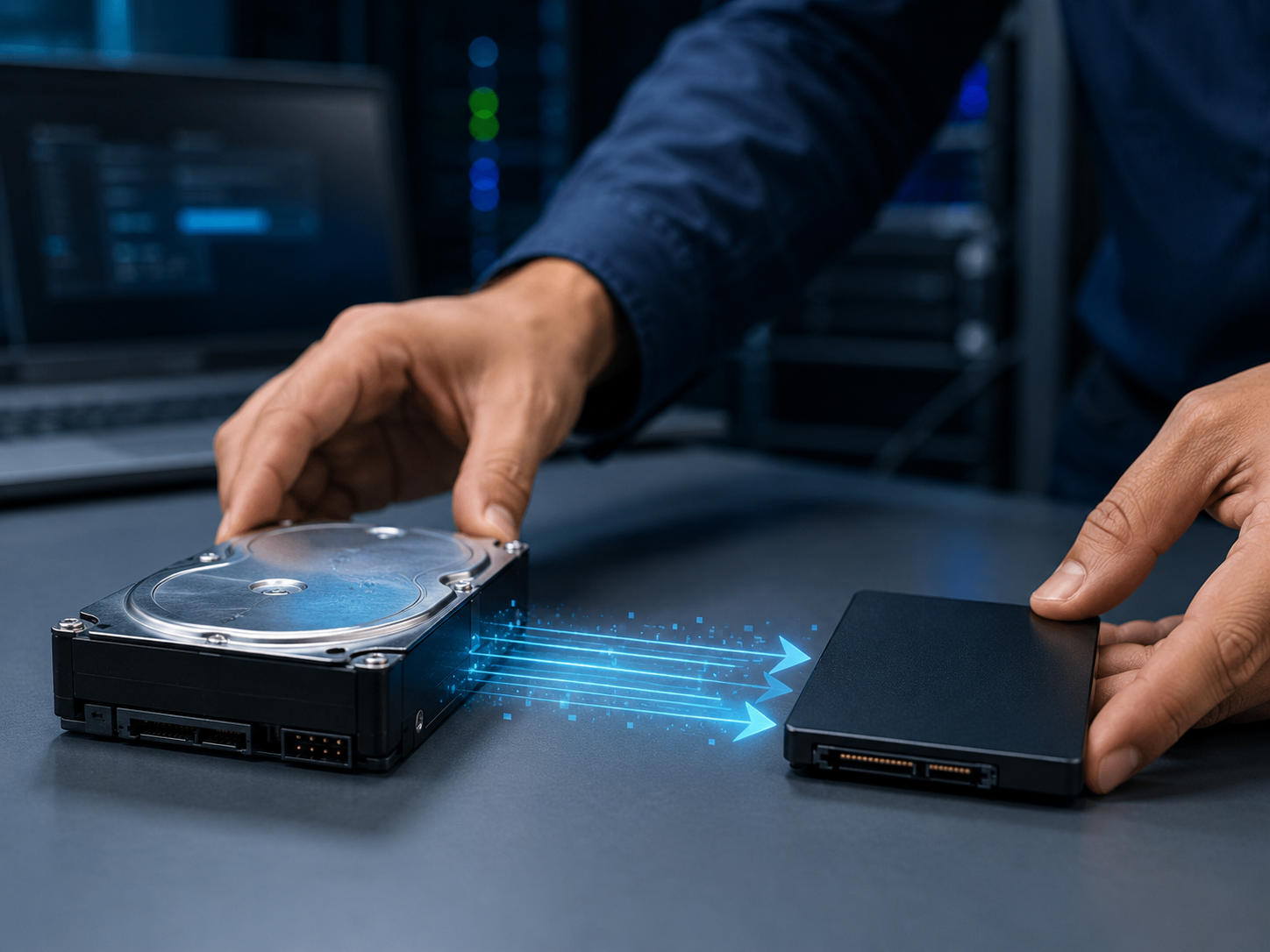
Our cloning process is designed around data protection and verification. Whenever the condition of the original drive allows it, we create a sector-aware copy to the replacement drive while keeping the source drive unchanged. After cloning, we install or connect the new drive, verify that the operating system boots correctly, confirm access to applications and user data, and perform basic checks before considering the migration complete. Your original drive is retained as an additional fallback until the new drive has been tested and confirmed operational.
From HDD to SSD — More Speed Without Losing Your Working Environment
Moving from a traditional hard drive to an SSD can significantly improve startup times, application responsiveness, and overall system performance. Instead of rebuilding the computer from the beginning, cloning allows the new drive to retain your Windows installation, applications, settings, documents, and existing configuration. We can also help select an appropriate replacement drive, verify capacity requirements, expand partitions when additional storage is available, and confirm that the system is using the new drive correctly after installation.
A Safer Migration Starts with Checking the Health of the Original Drive
Drive cloning is most reliable when the source disk is still readable and operating normally. Before proceeding, we evaluate the condition of the original drive and identify signs of degradation or read errors that could affect the migration. If the drive shows evidence of failure, we will explain the available options before continuing rather than placing your information at unnecessary risk. Cloning can preserve an existing working environment, but it does not repair corrupted Windows files, malware, damaged applications, or other software problems already present on the original drive.